
 Add as a preferred source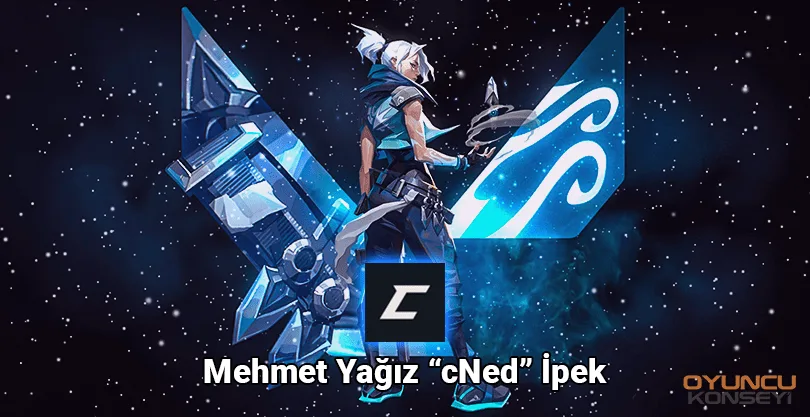
Playing many games professionally so far Mehmet Yağız "Cned" Silk He is currently appearing in Valorant e-sports tournaments. He became the most loved actor by the audience with his clever and magnificent Aim talent in every game he played. He is currently composed of players from mixed countries. Natus Vincere He plays on his team. Known for the legendary jett games CNed Valorant Crosshair Settings It can be a good choice for you.
CNed Valorant Crosshair Settings
You have made a unique setting, but if you can't get efficiency Crosshair settings of professional players You can work with. Note that the following values have specific settings of CNED. Natus Vincere opens broadcasts on CNed Twitch, who plays for Valorant. You can try to learn his play style and tactics in the broadcasts and make beautiful strokes by making his crosshair settings. You can also watch his own shots in e-sports tournaments and take a position accordingly. Here CNed Valorant Crosshair Settings and Crosshair code:
- Inner line settings
- Inner line transparency: 1
- Inner line length: 5
- Inner line thickness: 2
- Inner line distance: 0
- Movement error: Closed
- Ignition error: Closed
- Outline settings
- Outline transparency: 0
- Outline length: 0
- Outline thickness: 0
- Outline distance: 0
- Movement error: Closed
- Ignition error: Closed
Valorant CNed Crosshair code: 0,P,H,0,F,0,0L,5,0O,0,0A,1,0F,0,1B,0
CNED Valorant Image Settings
CNed, who is in the Natus Vincere Valorant squad, aims to see the opponent players more clearly with these settings. You can understand this from the high anti-aliasing and non-uniform filtering settings. However, if your computer does not have an up-to-date and powerful video card, do not upgrade these two settings. With the following graphics quality settings, the players and the environment will look clearer, but you will need a powerful graphics card.
- Graphics Settings General
- Screen mode: Fullscreen
- Resolution: 1920 x 1080
- Image size method: letterbox
- NVIDIA Reflex Low Latency: Open + Boost
- Graphics Quality
- Material quality: Middle
- Texture quality: Low
- Detail quality: Middle
- Interface quality: Low
- VINYET: Closed
- vsync: Closed
- Anti-aliasing: msaa 4x
- Unequal Filtering: 4x
- Increase clarity: Closed
- Advanced coating images: Closed
- Bloom: Open
- Distortion: Closed
- Shadows: Closed
You May Also Like: Detailed PUBG Mobile Merit Upgrade Guide! How to Raise merit?
Above CNed Valorant Crosshair Settings You can hunt your opponents better. But if you want to play with these graphics settings, at worst, you should use the NVIDIA GTX 1060 or a better graphics card. Otherwise, you may experience instant FPS drops when mutually fired or used abilities. You can get a fluent gaming experience by configuring the graphics settings according to your computer hardware.