
 Add as a preferred source
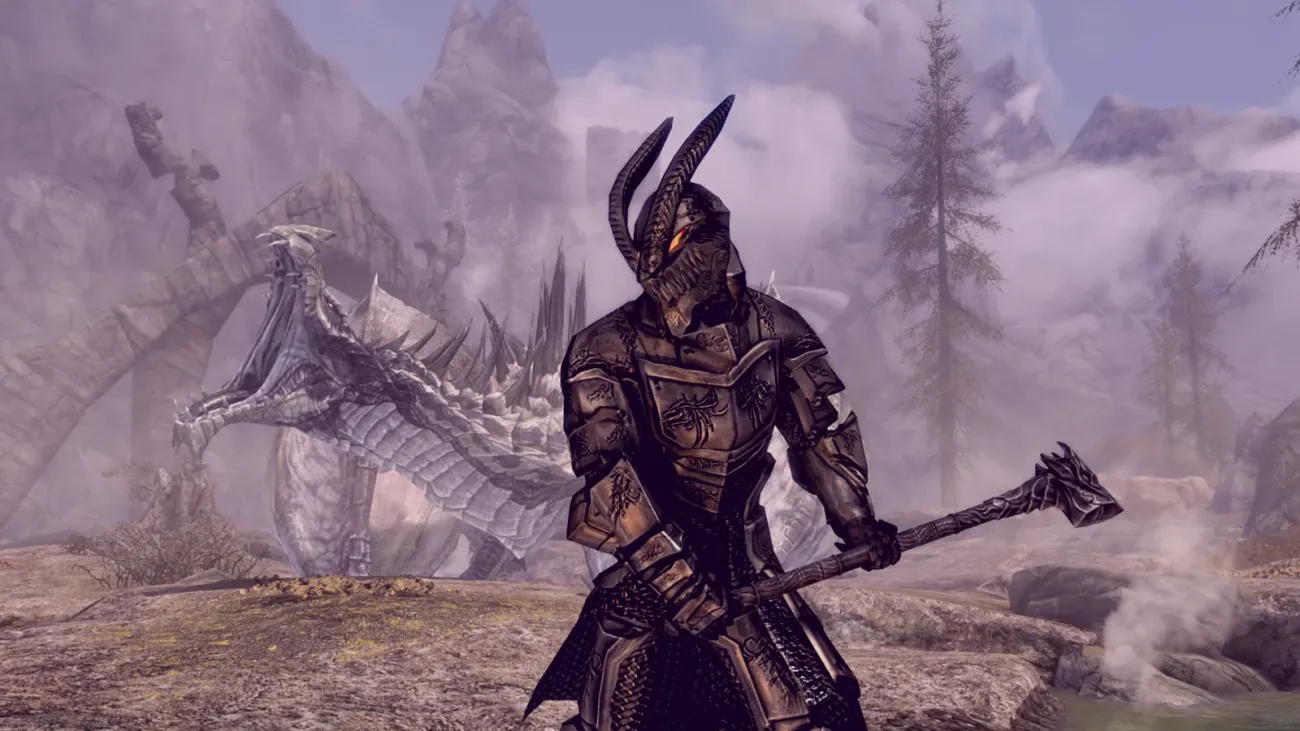
The Elder Scrolls V: Skyrim Cheats And with console commands, you can make your character strongest in seconds. The console commands that we will share in our content will enable you to develop every skill, magic and skill in a short time.
If you are playing the game from the computer skyrim cheat codes You can take the game experience to different dimensions. Because there is no cheat that can be used on the console. Let's take a look at the tricks that can be used in the game.
How to use Skyrim Cheats?
Skyrim Console Commands In order to cheat in the game, first of all, it is necessary to access the section where these codes are written. After running the game as an administrator and entering the game,éYou can bring the developer console to the screen by pressing ".
After opening the console skyrim cheats You can activate it by copying and pasting the one you choose in it. We would like to remind you that when you open the cheats, you cannot win some achievements in the game. Also, don't forget to take a backup of the registered game so as not to lose your current progress!
What are Skyrim cheats and console commands?
- TGM: Opens the God mode. Immortality and adds unlimited carry weight.
- TCL: Allows you to pass through the walls.
- COC “Location”: It will teleport you to the position you wrote. For the room where all the items are located, you should write “Coc Qasmoke”.
- PSB: Gives the player all the spells.
- Player.Advlevel: Forces to level up a level.
- CAQS: Completes all task stages.
- TMM,1: Opens or closes map pointers.
- TFC: Freelance camera mode.
- SAQ: Starts all tasks. (We do not recommend...)
- QQQ: Closes the game.
- Coc Qasmoke: Beams to the test hall with all the items in the game.
- Tai: AI opens or closes. It immobilizes the enemies.
- Tcai: Turns the War AI on or off. It immobilizes the enemies.
- TG: Opens or closes the grass.
- TM: Turns the interface screen on or off.
- TFOW: Turns FOW on or off.
- Kill: It kills everything to what is on the target.
- Resurrect: Animates the target.
- Unlock: Unlocks targeted things.
- Lock X: Unlocks selected chests, doors or people. The x value determines the difficulty level of the lock.
- Killall: Kills all the enemies in the environment
- RemoveAllitems: Removes all items from the designated NPC.
- Movetoqt: Beams to the task.
- EnablePlayerControls: Turns on controlling the character in cutscenes.
- Tdetect: Turns the detection of artificial intelligence on or off.
- SetOwnership: Sets the target ownership.
- DuplicateAllitems: Finds identical items.
- FOV XXX: Expands or narrows the field of view.
- AdvancePClevel: Increases your level.
- AdvancePcSkill (SkillName) X: Increases skill level.
- advskill[skill]XXX: Increases the determined ability by the amount of xxx.
- SETPCFAME: Sets the fame of the selected character.
- SetpCinFamy: Sets the notorious reputation of the designated character.
- Player.modav Carrying Weight X: Regulates the carry weight.
- Player.modav Load X: Changes the pain.
- Player.Modav DragonSouls X: Adds Dragon's Souls to your pool. So you can develop shouts.
- Player.Setav Speedmult X: Increases movement speed as a percentage.
- Player.Setav Fatigue X: Regulates the value of fatigue.
- Player.Setav Health X: Changes the health value.
- Player.SetcrimeGold X: Set to 0 to be free.
- Player.Setav Magicka X: Used to set Magicka.
- Player.SetLevel X: Gives a level.
- Player.PlaceAtme X: Where you are, writes a NPC name you want instead of X and creates an NPC.
- Player.SetScale X: Change character size. x=1 is the standard value.
- Player.IncPCS[Beceri Adı]: Increases the entered skill level by one.
- ShowraceMenu: Opens the character customization menu. The point you should pay attention to is that your character will return to level 1 and all his skills reset to his first basic values.
- Player.Additem 0000000F “999”: 999 gold. (In other words, Skyrim Money Cheat)
- Player.Additem 0000000A “100”: Adds 100 LockPicks.
- help: list console commands
- Help Keyword X: Searches in console commands.
The Elder Scrolls V: Frequently Asked Questions About Skyrim Cheats
Below you can find answers to questions that players wonder about Skyrim cheats.
You May Also Like: Europa Universalis 4 Cheats and Console Commands
Result
In this content, you will be able to enjoy the game more. skyrim cheats We are here with you. If there are different cheats you know, you can contact us in the comments section. Cheats we share for other games playerkonseyi.com/game-cheats/ You can reach from the link.