
 Add as a preferred source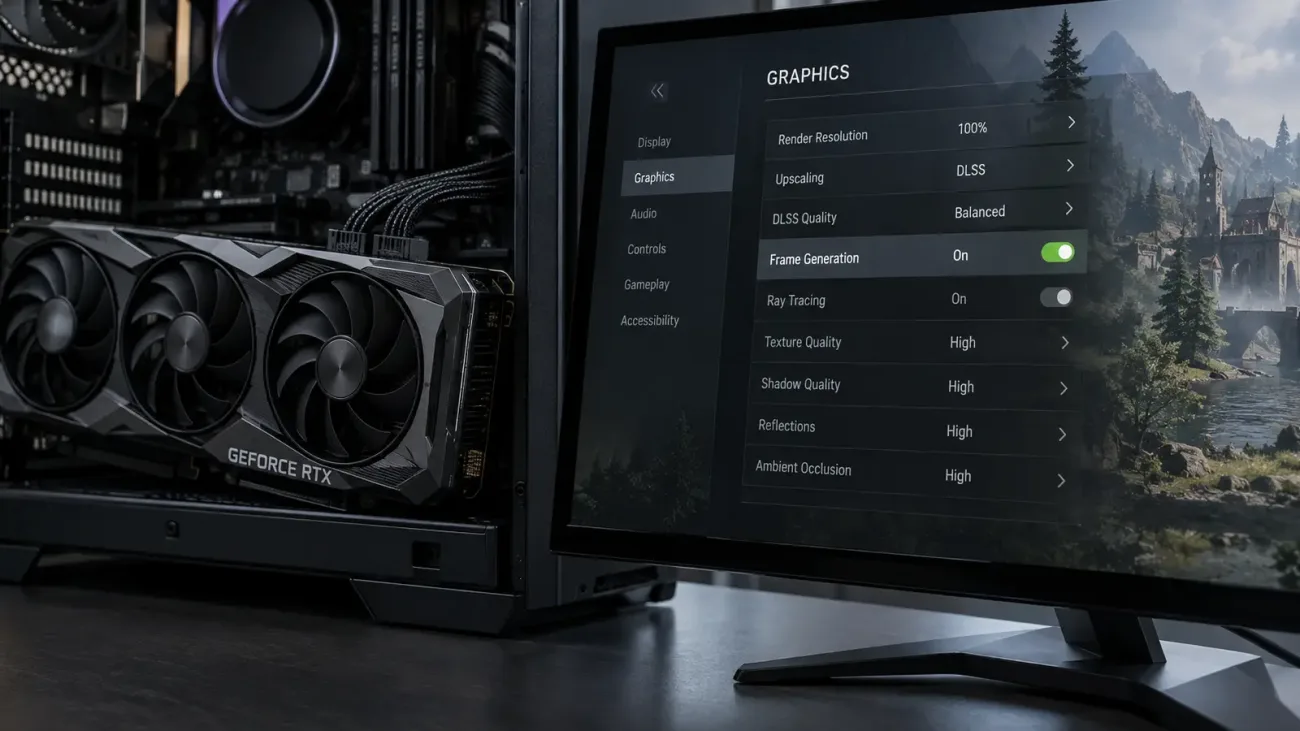
NVIDIA RTX 30 series graphics cards are still widely used for modern games, but official DLSS Frame Generation is not available on these GPUs. RTX 30 owners can use DLSS Super Resolution and DLAA in supported games, while artificial frame generation requires a different approach.
Does RTX 30 Support DLSS Frame Generation?
No. NVIDIA does not officially support DLSS Frame Generation on RTX 30 series cards such as the RTX 3060, RTX 3070, RTX 3080, and RTX 3090. These GPUs can use DLSS Super Resolution and DLAA, but Frame Generation cannot be enabled directly through the NVIDIA App or a standard driver setting.
NVIDIA's feature support separates DLSS Super Resolution from Frame Generation. Super Resolution is available across multiple RTX generations, including RTX 20 and RTX 30. Official DLSS Frame Generation is limited to newer RTX families.
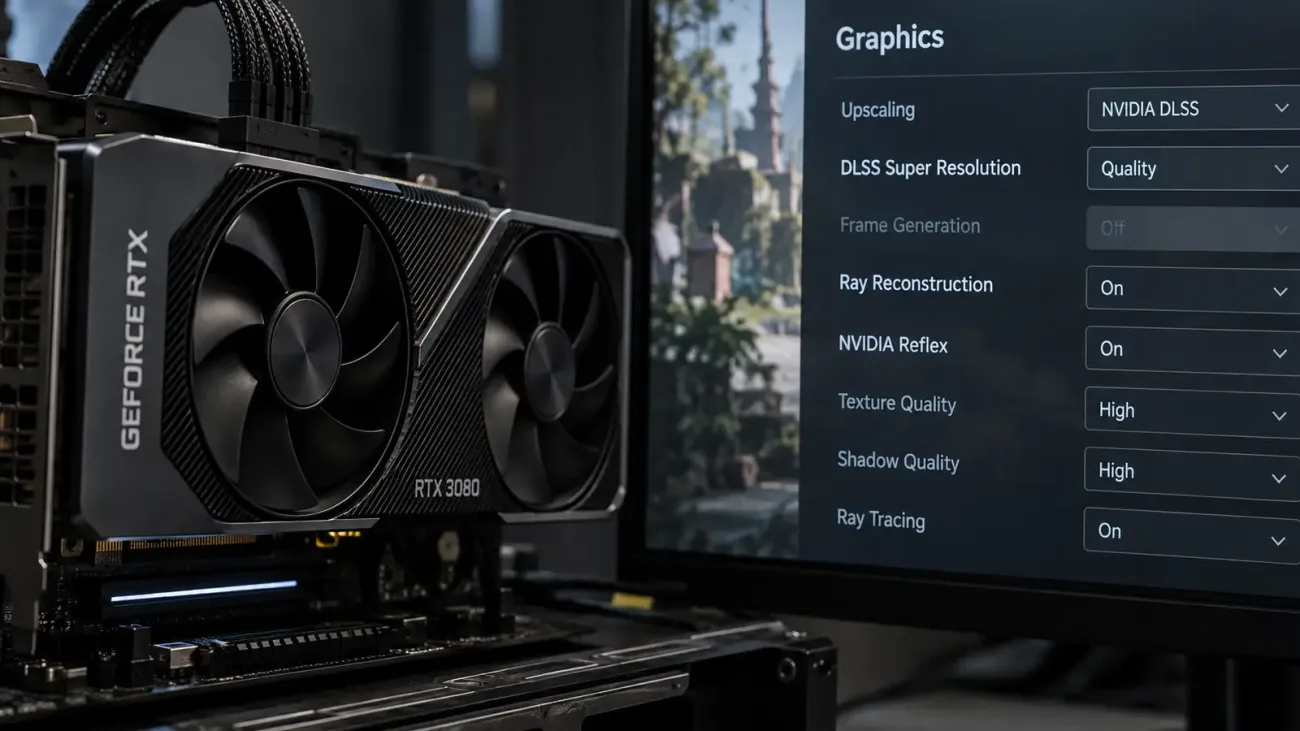
DLSS Super Resolution renders a game at a lower internal resolution and reconstructs a higher-resolution image. Frame Generation works differently by creating additional frames between rendered frames. Seeing DLSS Quality or Balanced in a game's settings does not mean Frame Generation is also available.
How to Install the DLSSG SM86 Mod on RTX 30
Players who want to experiment with Frame Generation on RTX 30 hardware can use third-party projects such as DLSSG SM86 in compatible games. These mods are not developed or supported by NVIDIA. Back up the game folder and save files before changing anything.
Download mod files only from a source you trust and confirm that the version supports your game. Old or incompatible files can stop a game from launching or cause visual problems.
- Open the folder where the game is installed.
- Find the folder that contains the game's main .exe file.
- Copy
version.dllfrom the mod archive into the game folder. - Copy
dlssg_sm86.iniinto the same folder. - Launch the game and open its graphics settings.
- Check whether Frame Generation or Multi Frame Generation is now available.
- If the option works, start with the 2X mode and test image quality and input latency.
If the game stops working, remove the added files and verify the game installation. Some titles need different file locations or extra configuration. Online games may also use anti-cheat systems that react to modified files, so third-party mods should be approached carefully.
You May Also Like: Steam Nickname Symbols and Special Characters
How to Increase FPS on an RTX 30 GPU
You do not need a Frame Generation mod to improve performance on RTX 30 hardware. If the game supports DLSS, start with Quality or Balanced. If performance is still too low, reduce demanding graphics options one at a time.
Ray tracing, shadow quality, reflections, and volumetric effects are often among the heaviest settings. Lowering them can improve frame rate, and disabling ray tracing can produce a larger gain in supported games.
DLSS Super Resolution and Frame Generation are different technologies. If a game offers AMD FSR 3 Frame Generation on your hardware, that option may also be worth testing.
Frequently Asked Questions
Can you enable Frame Generation on an RTX 3060?
The RTX 3060 does not support NVIDIA's official DLSS Frame Generation. Third-party mods may work in some compatible games, but support is not guaranteed.
Can RTX 30 cards use DLSS?
Yes. RTX 30 graphics cards can use DLSS Super Resolution in supported games, including Quality, Balanced, and Performance modes. Official DLSS Frame Generation is a separate feature.
Does DLSSG SM86 work in every game?
No. Compatibility depends on the game engine, DLSS implementation, and mod version. Some games can show startup errors or visual issues, and online titles may have anti-cheat restrictions.