
 Add as a preferred source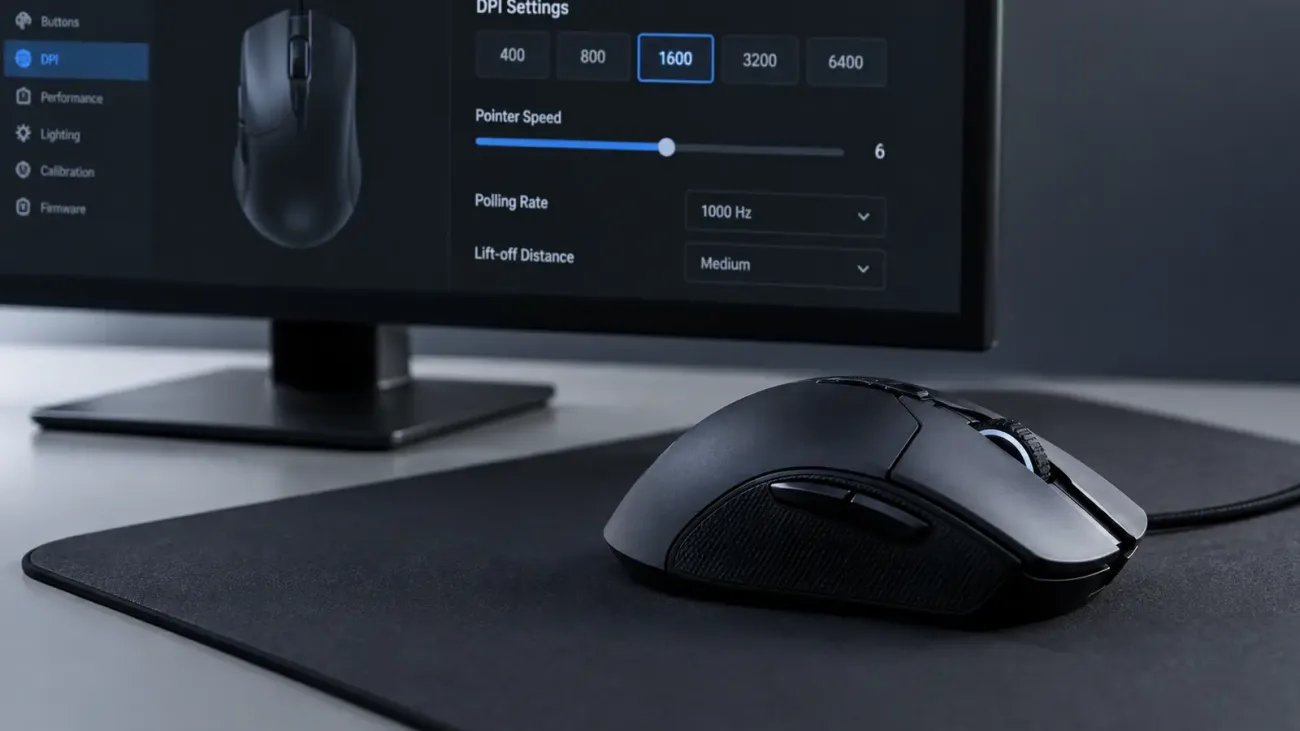
How fast a mouse movement translates to movement on screen is not controlled by Windows sensitivity alone. Gaming mice also let you change DPI, which affects how far the pointer moves for the same physical movement. Understanding the difference makes it easier to build a consistent setup for games and desktop use.
What Is Mouse DPI?
DPI is one way to describe how sensitive a mouse sensor is to physical movement. At a higher DPI, the pointer travels farther on screen for the same hand movement. At a lower DPI, you need to move the mouse farther to cover the same distance. A higher number does not automatically mean better control or greater accuracy.
Many gaming mice have a dedicated DPI button that switches between preset levels. Models with companion software often let you create custom DPI stages and disable the levels you never use.
What DPI Should You Use for Gaming?
There is no single ideal DPI for every player. The right setting depends on the game, screen resolution, available mousepad space, and personal habits. Many FPS players prefer a relatively low DPI for controlled aiming, while higher values can feel more convenient for desktop use or games that need fast camera movement.
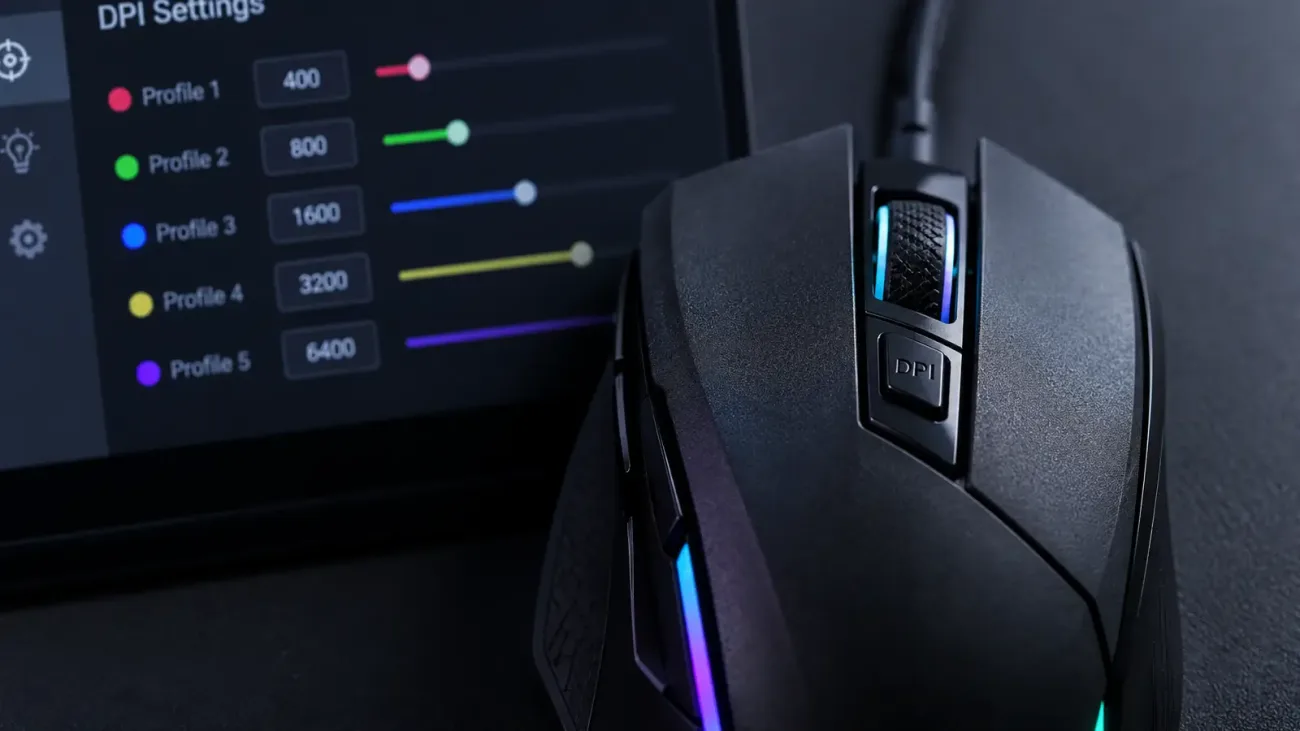
The important part is consistency. Find a DPI that feels comfortable and then adjust in-game sensitivity around it instead of changing DPI all the time. Two players can both use 800 DPI and still have very different turning speeds if their in-game sensitivity values are different.
Is DPI the Same as Windows Mouse Sensitivity?
No. DPI describes how the mouse sensor translates physical movement, while the Windows pointer speed setting changes how that movement is applied to the desktop cursor. Because both settings affect the final result, changing Windows sensitivity can make the cursor feel faster or slower even when DPI stays the same.
In Windows, open Settings and go to Bluetooth & devices, then Mouse, to change pointer speed. Players who want consistent control often keep the Windows setting fixed and make most adjustments through the mouse DPI and the game's own sensitivity setting.
You May Also Like: How to Buy the Steam Frame and What You Get for $1,059
How to Check Your Mouse DPI
Some mice show the active DPI level with an indicator light or small display. If your mouse supports manufacturer software, the current DPI is usually shown directly in the app. The product specifications can also show the supported minimum and maximum range.
It is harder to find an exact value on a basic mouse without software. Online tools can estimate DPI by measuring physical movement, but the result can be affected by measurement errors. The manufacturer's specifications are the better source when they are available.
Frequently Asked Questions
Is a high-DPI mouse better?
A very high maximum DPI does not automatically make a mouse better. Sensor quality, tracking performance, shape, and the DPI you actually use matter more.
Should you use 800 DPI or 1600 DPI?
Both can work well. If you adjust in-game sensitivity to compensate, you can reach similar effective turning speeds at either DPI.
What does the DPI button do?
The DPI button switches between preset sensitivity levels. On many gaming mice, those levels can be customized in the manufacturer's software.