
 Add as a preferred source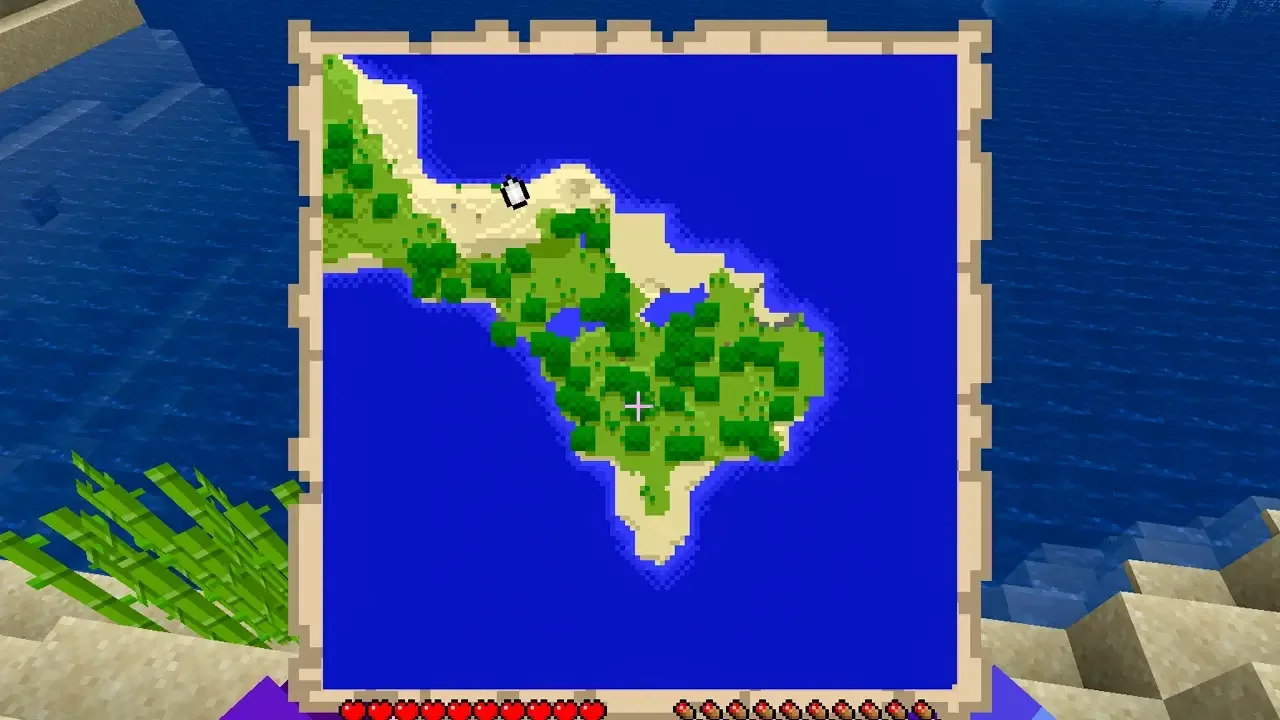
A map can help you explore a Minecraft world without losing track of where you have been. The source guide explains the crafting process, the materials it uses, and how the map reveals terrain as you move through the world.
How to Make a Map in Minecraft
- Open a crafting table after collecting the required materials.
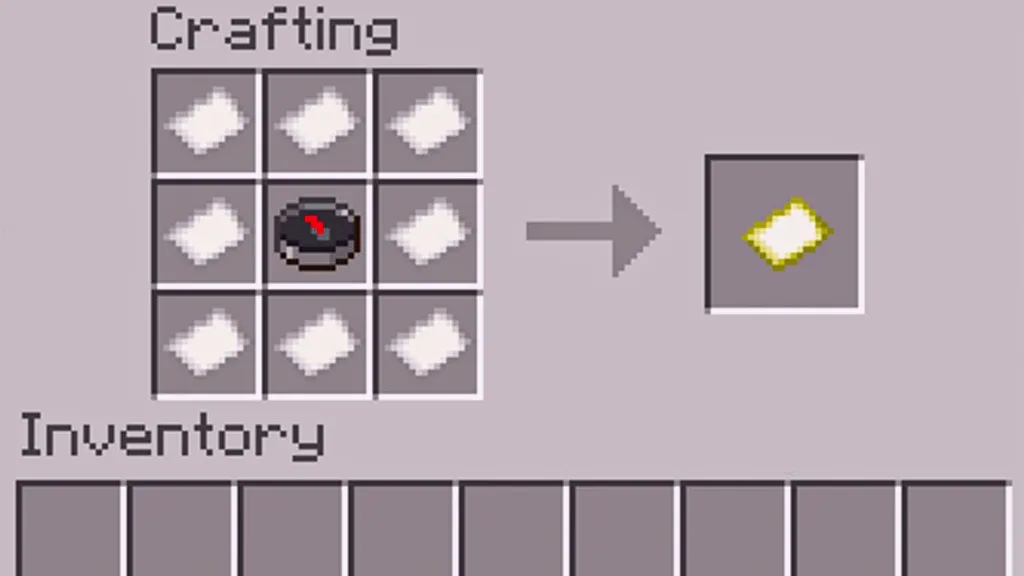
- Place eight pieces of paper around the outer slots so the center slot stays empty.
- Place the compass in the center slot.
- Move the finished map from the crafting table into your inventory.
When you hold the map and move around, it begins filling in the surrounding area. You need to explore the region if you want the map to reveal more of the world.
You may also be interested in our Minecraft painting guide.
Materials Needed to Make a Minecraft Map
- 1 compass made from 4 iron ingots and 1 redstone in the source guide
- 8 pieces of paper made from sugar cane

Iron and redstone can be collected while mining. Sugar cane commonly grows near water and can be replanted so you can produce more paper later.
You May Also Like: Games Releasing in 2023
Using a Minecraft Map Mod
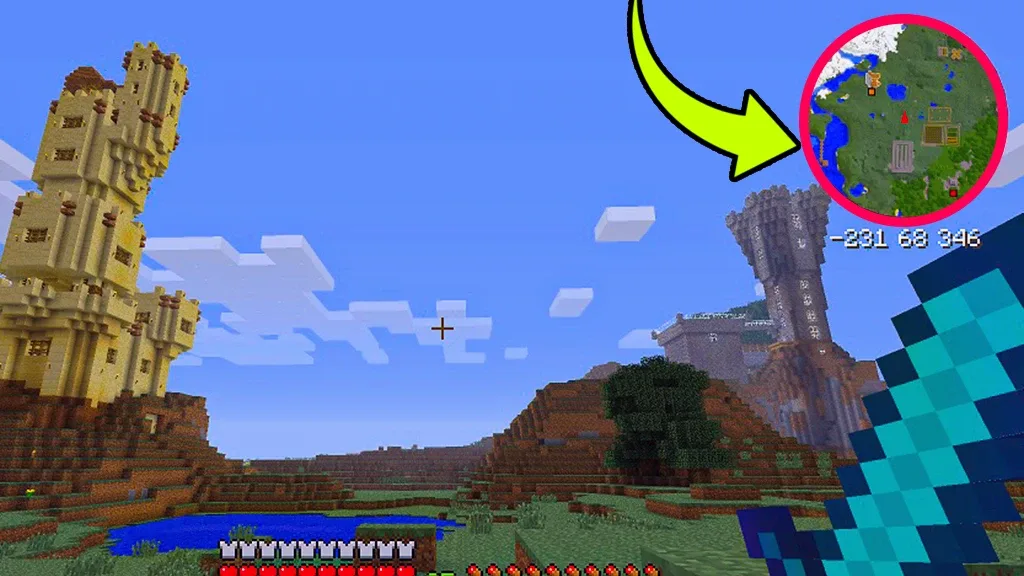
The source guide also mentions map mods as an alternative for players who want a larger amount of world information on screen. Depending on the mod, features can include position tracking, nearby points of interest, villages, chests, or mobs. Always choose a mod that matches the Minecraft version used by your world or server.
Conclusion
A crafted map is a simple way to record the areas you explore. Once you have paper and a compass, you can create one at a crafting table and fill it in by traveling through the world.