
 Add as a preferred source
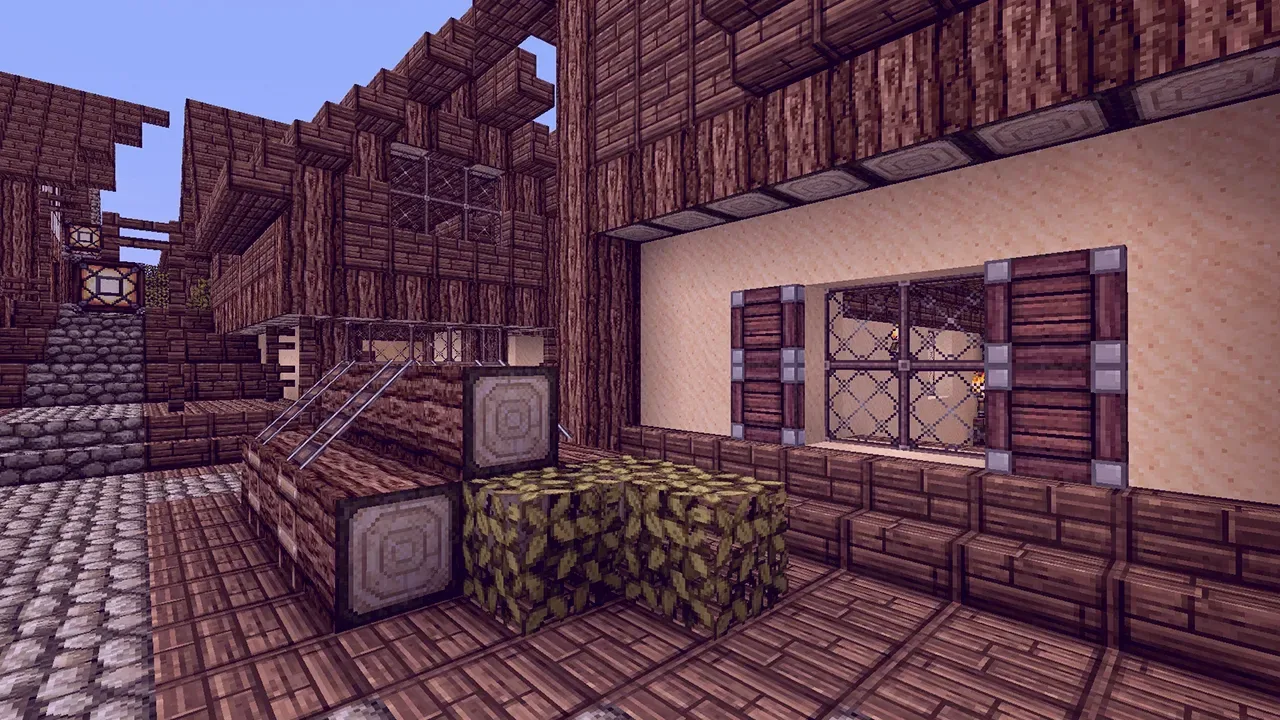
All objects in Minecraft, developed by Mojang, have a very simple texture. Players can use texture packs with various themes and looks to get a better view of objects in the game. well, How to Install Minecraft Texture Pack? Let's take a look together.
Minecraft Texture Pack Installation
Texture packs that make the game visually better are getting better than the versions of the game. Hundreds of different texture packs have been made for the game by hundreds of developers.
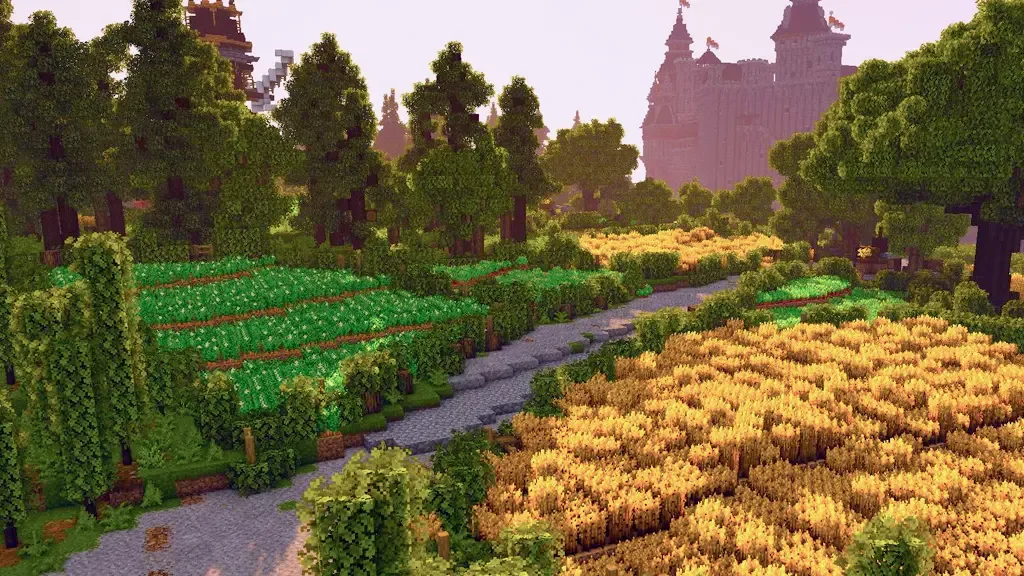
You can download the one that suits your version and the one you like. To install these packages, you need to follow the following steps,
- First, download a texture pack you like to your computer.
- In general, these files are .zip extension.
- Enter the Windows search bar and%AppData%write ".
- from the folder "/romaing/.minecraftGo to the directory.
- Upload the file you downloaded to the folder named Resource Packs.
- Open the game and go to settings.
- Enter the Texture Packs section and activate the package you have installed.
How to Make Minecraft Texture Pack?
To make your own texture pack, first download the default Minecraft resource pack file from the internet to your computer. Find the texture files of the models in the downloaded file.
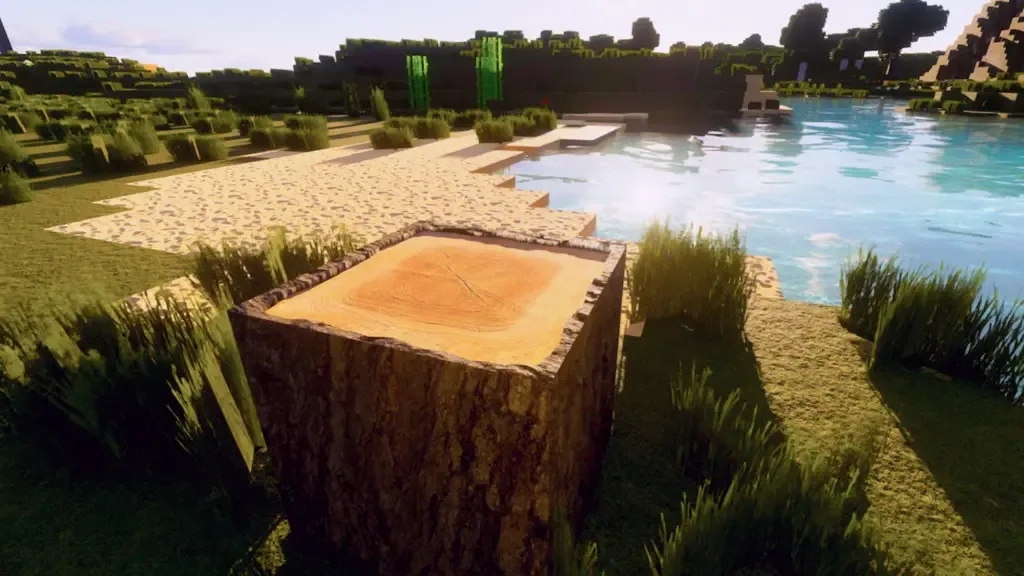
Edit the Texture file belonging to each model or item as you wish through Photoshop. While doing this, pay attention to the limits of the model. Install the Minecraft Texture Pack you made by following the steps above.
You May Also Like: Lost Ark Gunslinger Class Guide
Does Minecraft Texture Pack Increase FPS?
No, you cannot get extra FPS with the Texture Pack you have prepared for the Minecraft game. However, you can reduce the size of the images used in the texture package and make the game work a little more steadily.
Result
The only rule to be careful when installing Minecraft texture packs is that the package and the game are in the same version. Paying attention to these, you need to download and upload the files. Then, by following the steps above, you can transfer the packages to the game.
we have prepared for you Minecraft Texture Pack You can make the game more beautiful with our installation guide. Don't forget to check if the texture packs you use are compatible with your Minecraft version.
Thanks to the texture pack you have made, you can use spells for swords with a cool look. OyunKonsei.com/minecraft-kilic-buyulari/ You can reach from the link.