
 Add as a preferred source
Although there are not many graphics in Minecraft game, most players Minecraft low fps problem can get. Minecraft muscle and freezing problem There are a few things that living players can do to solve these problems. Minecraft FPS Boost In this content, where we explain the methods, we will share with you the in-game settings that will allow you to play the game fluently.
Minecraft FPS Boost 2025
Although the game is graphically very bad, loading the random map and content of the game can tire computers. Especially when an extra mod is installed in the game, it can become almost unplayable. Of course, by changing the settings a little, you can solve problems that may negatively affect this type of gaming experience. Here Minecraft FPS Increment settings you can apply for,
- Image settings
- Graphics: Fast
- Soft lighting: least
- Stack builder: Completely blocking
- Visibility: 8 stacks
- Simulation distance:
- max. Frame rate: Unlimited
- Clouds: Closed
- Particles: Diminished
- Asset shadows: Closed
- Crash effects: 0%
- View Angle Effects: 0%
- Mimap levels: 4
- Show Shaking: Closed
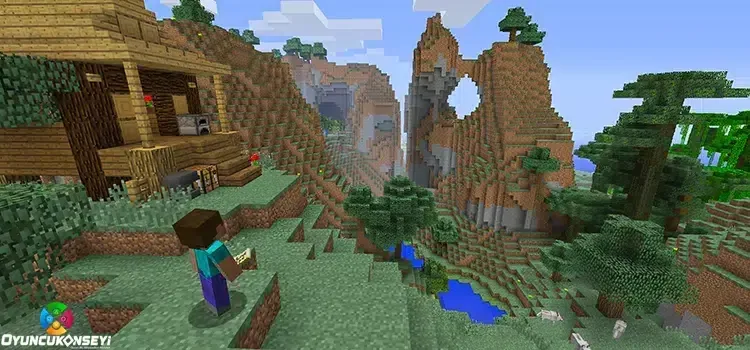
Minecraft FPS Increasing Mod Pack
You can get good values by using mod packs that increase Minecraft FPS. Every mod pack you add to the game will not increase the FPS value, but there are only mod packs prepared to increase FPS. Minecraft Sodium Mod Pack It is the best mod pack you can use to increase FPS. To install Sodium Fabric Loader and Fabric API You need to install plugins. With the Minecraft FPS-increasing mod pack, you can catch a noticeable increase in FPS in the game.
You May Also Like: How to Move Minecraft Mojang Account To Microsoft?
Minecraft FPS Boost We tried to tell you everything we know about it. We hope that the Minecraft graphics settings we have prepared for you will help you play the game more fluently. It is worth remembering that these settings will have a different effect on each computer. More Game Guides You can browse the relevant category for.